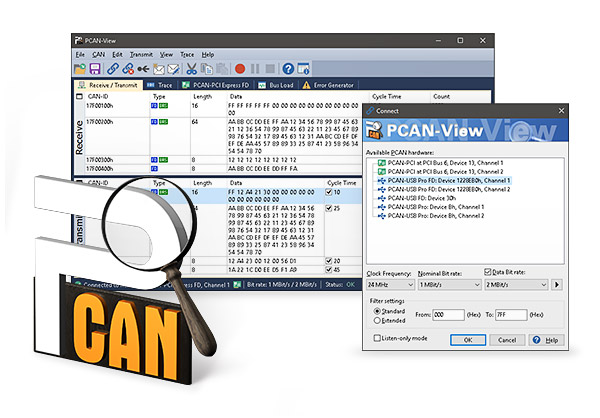

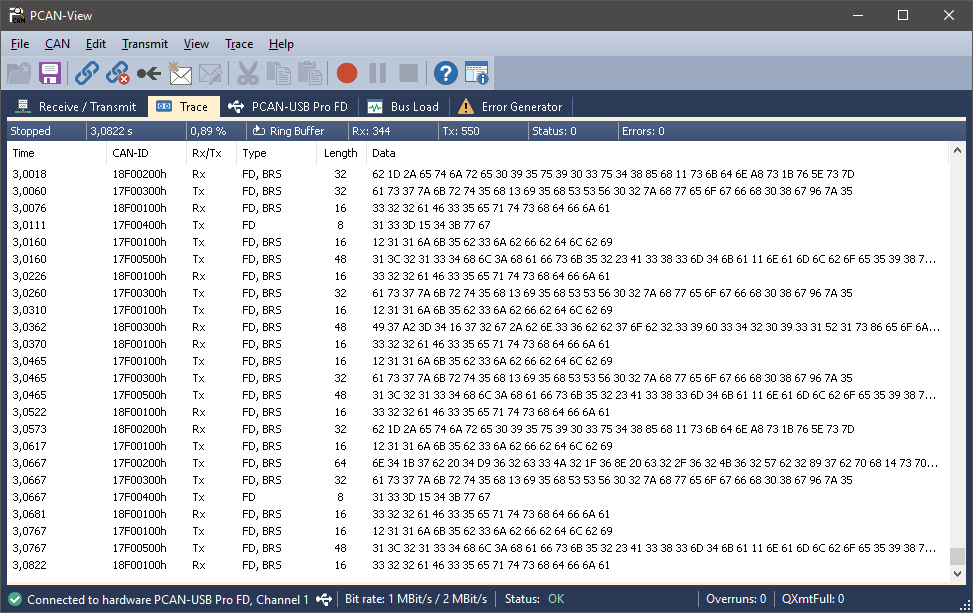
The PCAN-View software for Windows is a simple CAN monitor for viewing, transmitting, and recording CAN data traffic. Messages can be transmitted manually and periodically at a user-defined rate. Bus system errors and buffer overflows of controlled CAN devices are indicated. The Trace function allows CAN data traffic to be recorded and saved.
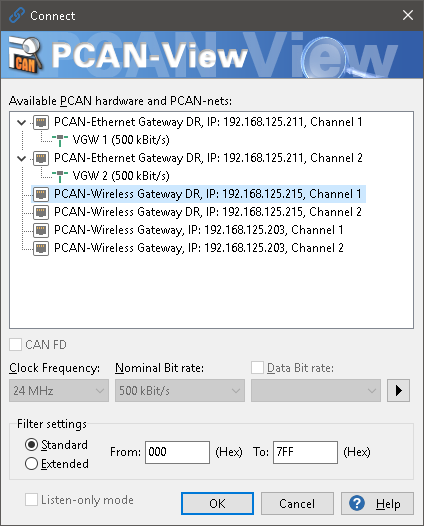
PCAN-View is included with every PCAN hardware product for PC and lets you get them up and running quickly and easily. To do this, a connection window lists all available PEAK-CAN interfaces. After selecting the hardware and setting the transfer rate, the full range of software features becomes accessible. In addition, hardware-specific parameters and information can be accessed.
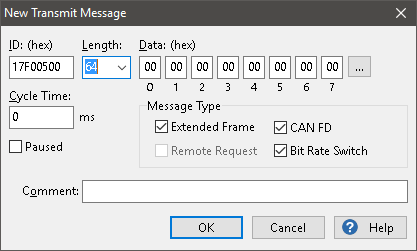
Since version 4, PCAN-View has supported the CAN FD standard (CAN with flexible data rate), characterized by higher bandwidth for data transfer.
Features
- Compliant with CAN 2.0 A/B and FD specifications
- CAN transfer rate up to 1 Mbit/s (nominal)
- Data transfer rate up to 12 Mbit/s (only with a CAN FD interface)
- Ability to use custom transfer rates
- Listen-only mode can optionally be activated
- Manual or periodic transmission of messages with a resolution of 1 ms
- Message reception at a resolution of 100 µs
- Recording messages to trace files
- Saving and reading messages in transmit lists
- Sortable receive and transmit lists
- Display of CAN identifiers in hexadecimal or decimal
- Display of data bytes in hexadecimal, decimal, or ASCII format
- Display of transmit, receive and error states
- Hardware reset of the CAN controller
- Access to hardware-specific settings and information
System requirements
- Windows® 11 (x64/ARM64), 10 (x86/x64)
- For CAN bus connection: a PEAK-System PC CAN interface
- Note: parallel-port CAN interfaces are only supported on x86 systems
Scope of delivery
- PCAN-View Software
- Documentation in HTML-Help format
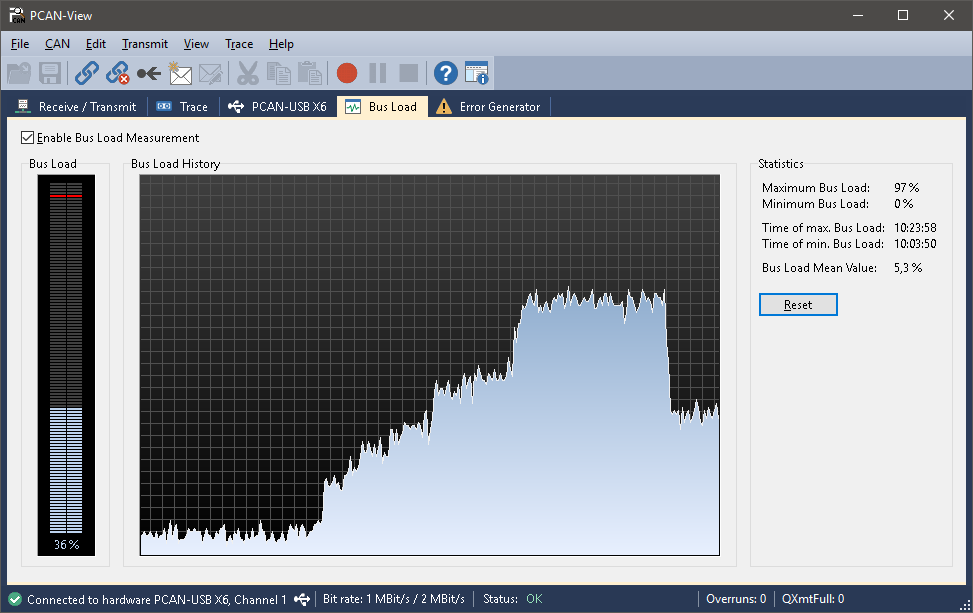
Screenshots
| Compliance | CAN 2.0 A/B et CAN FD |
|---|---|
| Nominal transfer rate | up to 1 Mbit/s |
| Data transfer rate | up to 12 Mbit/s (CAN FD only) |
| Transmission resolution | 1 ms |
| Reception resolution | 100 µs |
| Trace format | PEAK-System trace files |
PCAN-View (included with the driver)
Software for viewing, transmitting, and recording CAN CC, CAN FD, and CAN XL data traffic for Windows® 11 (x64/ARM64), 10 (x86/x64).
Download
