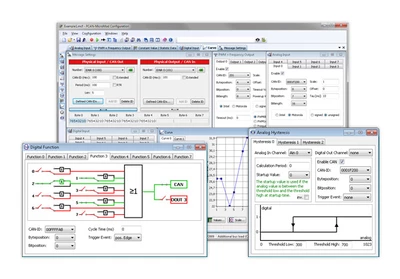

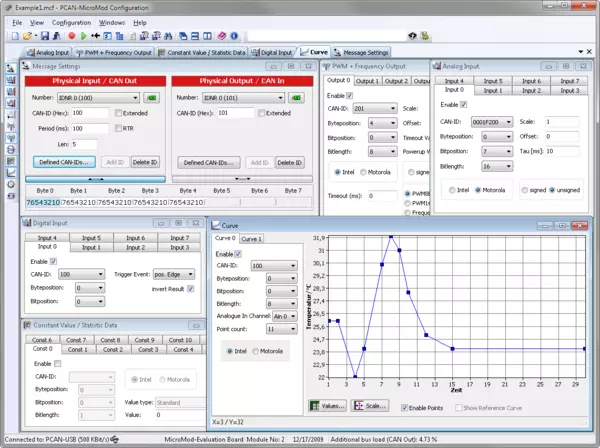
With the PCAN-MicroMod Configuration software, all products based on the PCAN-MicroMod can be configured. For the PCAN-MicroMod itself, the motherboards, and the Evaluation Board, specific configuration options are available depending on the hardware.
Configuration data is transmitted to the module via CAN. Thanks to the use of unique module IDs, several devices can be configured independently on the same CAN bus.
Features
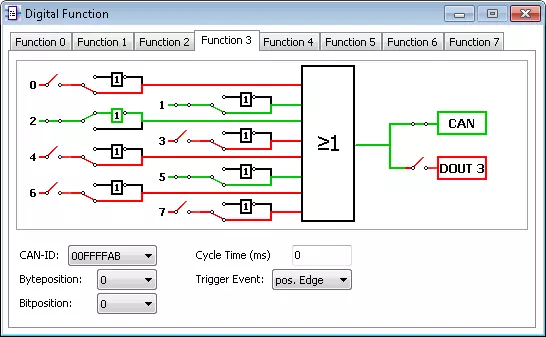
- Periodic and pulse-edge-triggered CAN message transmission
- Logical link of digital inputs
- Direct conversion of analog inputs to CAN ID
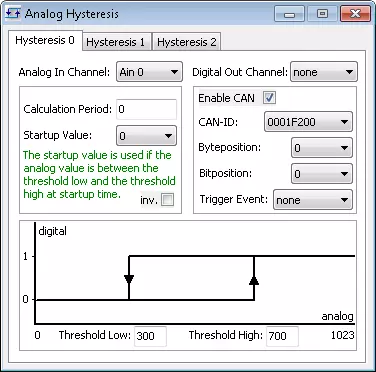
- Processing of analog quantities via characteristic curves or hysteresis functions
- Direct evaluation of shaft encoders
- Transmission of configuration data via CAN
- Reading an existing configuration via CAN for further processing
System requirements
- Windows® 11 (x64/ARM64), 10 (x64)
- For CAN bus connection: a PEAK-System PC CAN interface
Scope of delivery
- PCAN-MicroMod Configuration Software
- Documentation in HTML-Help format
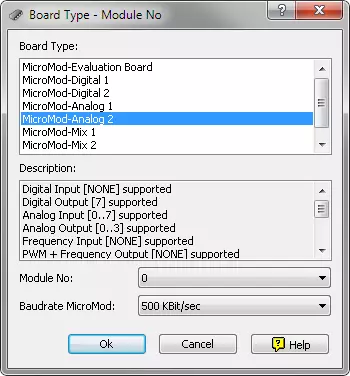
Screenshots
| Type | Configuration software |
|---|---|
| Operating system | Windows 11 (x64/ARM64), 10 (x64) |
| Protocol | CAN |
PCAN-MicroMod Configuration 3
Configuration software for PCAN-MicroMod products for Windows® 11 (x64/ARM64), 10 (x64)
Download
